
For training centres.
Run the whole centre from one account: students, instructors and every computer’s licence.
- Students
- Added once in your account, they appear on every computer of the licence.
- Instructors
- Invited by the owner or Accountable Manager; their password unlocks lessons in the simulator.
- Records
- Each student’s flight summaries, visible only to your centre’s people.
- Licences
- One for each computer, bought, renewed and replaced in the account.
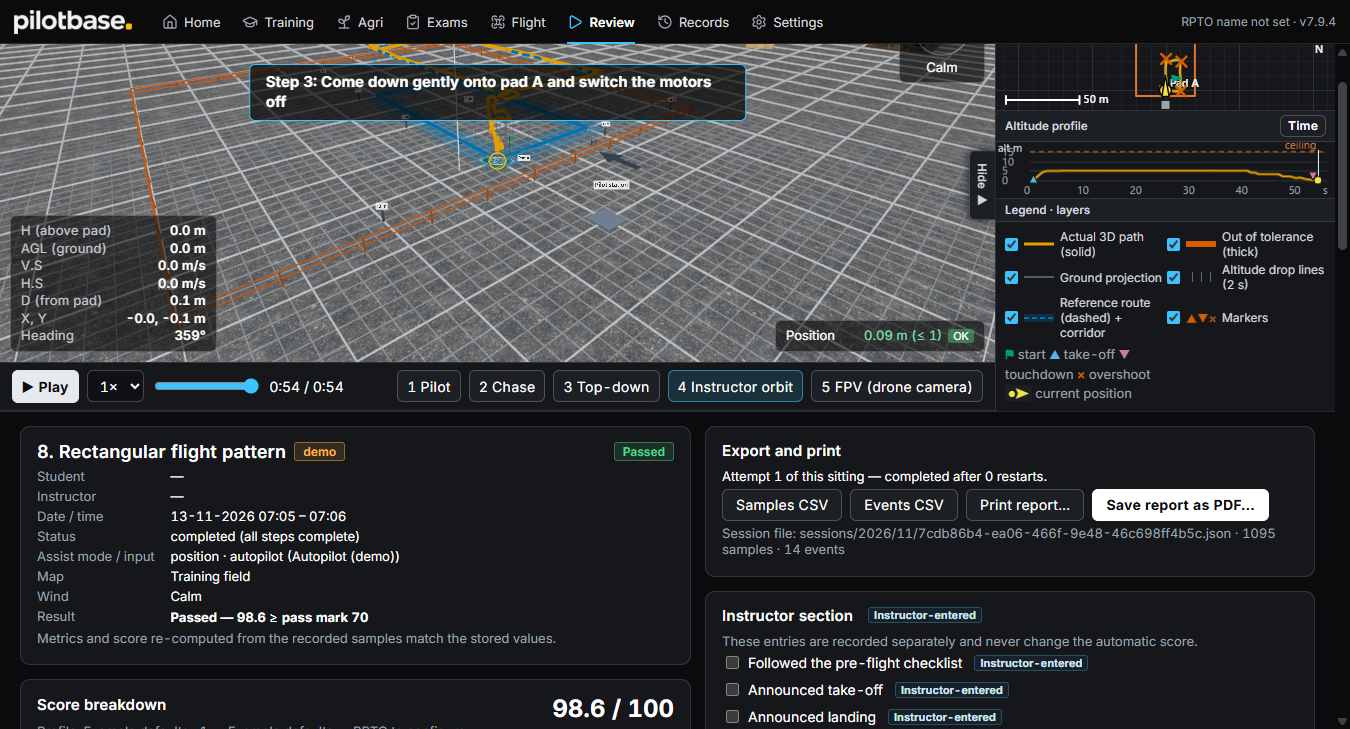
Your students’ Pilot IDs.
Each student keeps one Pilot ID for life. Your centre adds its sessions to it, and sees only its own.
Available
- Give or link
- A new Pilot ID, or the student’s own with their consent code.
- Each student
- Hours, training days, results and progress, for any dates.
- Hours report
- Every student by batch, as CSV or PDF.
- Other simulators
- A key lets another simulator add sessions, with consent.
How a centre starts.
- 01
Create your account
The centre’s owner signs up with a verified mobile number.
- 02
Choose a plan
1 month or 1 year, for as many computers as you need.
- 03
Pay
The licence key is issued as soon as the payment goes through.
- 04
Activate
Enter the key in PilotBase on the computer; the maps then download.
Equipping a whole centre?
Tell us how many computers; we reply with a quote.